Windsurf for VS Code Refugees: A Practical Migration Guide
Windsurf is a VS Code fork, so your keybindings and settings.json survive the move intact. The real adjustment is rewiring habits around Cascade, its agentic layer, not the editor shell.
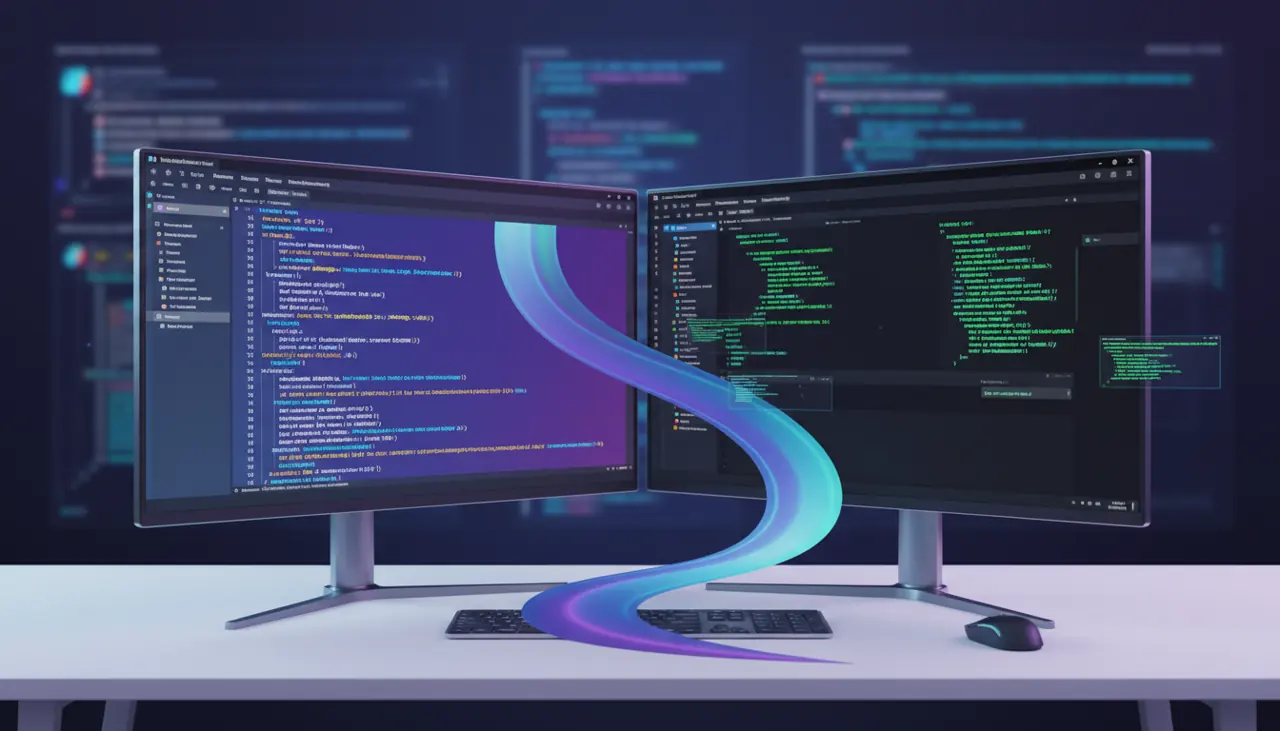
Windsurf is a VS Code fork, so most keyboard shortcuts, extensions, and settings.json entries carry over directly. The real migration work is not learning a new editor but rewiring your habits around Cascade, its agentic AI layer, and deciding which of your existing extensions and workflows still make sense once an AI agent can edit multiple files on its own.
What actually changes on day one
If you already live in VS Code, the shock of switching to Windsurf is smaller than switching to, say, JetBrains. Windsurf is built on the same Code OSS foundation Microsoft uses, so the window layout, command palette, and most default keybindings (Cmd+P, Cmd+Shift+P, Cmd+B) behave identically. You can import your VS Code profile during first launch, which pulls in themes, keybindings, and most settings automatically.
What does not carry over cleanly:
- Extensions tied to Microsoft's marketplace license terms. Windsurf uses Open VSX as its primary extension registry, and while a large share of popular extensions (Prettier, ESLint, GitLens, language servers) are mirrored there, a handful of Microsoft-published extensions (some C# tooling, certain Azure integrations) are marketplace-exclusive and will not install.
- Copilot itself. You do not need it. Cascade replaces the inline completion and chat roles Copilot played, and running both simultaneously causes distracting duplicate suggestions.
- Some workspace-trust and remote-development behavior. Windsurf supports SSH and container-based remote development, but feature parity with VS Code's Remote Development extension pack lags behind, particularly for Dev Containers with complex devcontainer.json configurations.
The practical move is: install Windsurf, import your profile, then audit your extension list rather than assuming everything reinstalls itself.
How do I move my settings and keybindings from VS Code?
Windsurf ships an explicit import flow on first run that reads your local VS Code user data folder (settings.json, keybindings.json, snippets, and installed extensions where available on Open VSX). If you skipped that step or switched machines, you can do it manually:
- Locate your VS Code user directory: ~/Library/Application Support/Code/User on macOS, %APPDATA%\Code\User on Windows, ~/.config/Code/User on Linux.
- Copy settings.json and keybindings.json into the equivalent Windsurf directory (replace Code with Windsurf in the path).
- Reinstall extensions from Open VSX individually, since the marketplace IDs sometimes differ slightly for forked or renamed packages.
One caveat worth knowing before you do this: Windsurf periodically ships its own default keybinding changes for Cascade-specific commands (accepting or rejecting AI edits, cycling between chat and agent mode). If you copy over a VS Code keybindings.json wholesale, you can accidentally shadow those defaults, so check the keybinding conflicts panel after import rather than assuming a clean merge.
Cascade versus Copilot Chat: different mental models
This is the part that actually costs migration time, not the editor shell. Copilot Chat in VS Code is largely a suggest-and-apply tool: it proposes a diff, you review it, you accept or reject. Cascade is designed to run longer, more autonomous sequences: it can read multiple files, run terminal commands, execute tests, and iterate on failures without you re-prompting it at each step.
That autonomy is powerful but changes your review discipline. In Copilot Chat, you are typically reviewing one diff at a time. In Cascade's agent mode, you might come back to five files changed and a test suite that ran twice. If you approach that the way you'd approach a single Copilot suggestion, quick glance, accept, you will merge subtle bugs. The failure mode I see most often among engineers new to Windsurf is trusting a green terminal output from Cascade without reading the actual diff, because the terminal running tests inside the agent flow feels more "verified" than it is. A passing test suite tells you the tests you have still pass; it says nothing about correctness of new logic that isn't covered.
Practical adjustment: treat every Cascade multi-file change as a pull request from a junior engineer who is fast but occasionally confident and wrong. Diff everything before accepting, even when the terminal output looks clean.
Setting up rules and memories (the .windsurfrules equivalent)
VS Code plus Copilot has no strong first-class concept of persistent project instructions beyond .github/copilot-instructions.md. Windsurf has a more structured system: workspace-level rules files and Cascade's memory feature, which persists context across sessions.
A minimal rules file for a TypeScript backend project might look like this:
1# .windsurf/rules.md23- Use named exports, not default exports.4- All new API routes must have a corresponding Zod schema in /schemas.5- Never install a new npm package without asking first.6- Run `npm run typecheck` after any multi-file edit before reporting done.This is worth setting up in the first hour, not after your first bad experience. Without it, Cascade infers conventions from surrounding code, which works reasonably well in a mature, consistent codebase but badly in one with mixed patterns (some routes using Zod, some not; some files default-exporting, some named). Rules files remove that ambiguity and cut down on the "why did it invent a new pattern" annoyance that otherwise burns your first week.
Memories are different from rules: they are automatically or manually stored facts Cascade retains across sessions ("this project deploys via GitHub Actions to Fly.io, not Vercel"). Check the memories panel occasionally; stale memories from an earlier phase of the project are a quiet source of wrong assumptions weeks later.
Cost and latency: what actually changes on your bill
If your team was already paying for GitHub Copilot Business at roughly ten dollars a seat per month, moving to Windsurf changes your cost structure meaningfully. Windsurf's pricing is credit-based, tied to model usage in Cascade, and heavier agentic sessions (multi-file edits, long tool-use loops, larger context windows) consume more credits than simple autocomplete. Check the current Windsurf pricing page before committing a team, because credit consumption for an agent that runs ten tool calls in one turn is not intuitively comparable to a single Copilot Chat completion, and heavy users on a fixed monthly credit allotment can exhaust it well before the月 ends if they lean hard on autonomous multi-file refactors.
Latency is the other practical difference. Inline completions in VS Code with Copilot are near-instant, typically under a second, because they're a narrow, cached, low-token-count model call. Cascade's agentic mode is doing something categorically different: reading files, planning, calling tools, sometimes running a build, then reporting back. Expect tens of seconds for a moderately complex multi-file task, not the sub-second feel of tab-completion. If you go into Windsurf expecting Copilot-speed everywhere, the agent mode will feel sluggish for the wrong reason; it is slower because it is doing strictly more work, not because something is broken.
Extension gaps that actually matter
Two categories are worth checking before you commit a whole team to switching:
- Language server completeness for niche languages. Mainstream languages (TypeScript, Python, Go, Rust, Java) have solid Open VSX coverage. Less common ecosystems (certain embedded toolchains, some enterprise Java frameworks with proprietary VS Code plugins) may have gaps.
- Enterprise-managed extension policies. If your org uses VS Code's Microsoft-managed extension allowlists via device management, those policies do not automatically apply to Windsurf, and you will need a parallel policy definition for your security team.
Test these on a real project before migrating a full team, not on a toy repo, since the gaps that bite are usually specific to your stack's less common tooling.
Deciding whether to fully switch or run both
You do not have to pick one editor forever. A reasonable middle path many engineers use in practice: keep VS Code for remote development into complex Dev Container setups or for extensions with marketplace-exclusive licensing, and use Windsurf for the bulk of local feature work where Cascade's agentic editing earns its cost. This is not indecision, it is matching tool to task. Cascade is genuinely good at scoped multi-file refactors, test-driven fixes, and boilerplate generation guided by a rules file. It is a worse fit for exploratory debugging of a gnarly, unfamiliar production incident where you want tight, single-step control over every action, and the overhead of reviewing agent-generated multi-file diffs costs more time than it saves.
If you're running the migration for a team, do it in this order: pick two or three engineers to run Windsurf full-time for two weeks on real feature work, write down every extension or workflow gap they hit, fix the rules file and extension list based on that feedback, then roll out broader. Skipping the pilot and pushing a whole team onto a new editor with an unfamiliar agent model in one week is how you get a Slack channel full of complaints that are really configuration gaps, not product failures. The editor part of this migration is easy. The part that takes actual attention is teaching yourself and your team to review AI-driven multi-file changes with the same rigor you'd apply to a colleague's pull request, because Cascade will happily be wrong across five files as fast as it is right.
Related Articles

API-Based AI Coding: When to Use Continue.dev, Cody, and Codeium Outside the Browser
Browser chat is fine for one-off questions, but the moment you're pasting code back and forth you've already lost the productivity gain. Here's when each API-based tool actually wins.
How does Cline compare to Claude Code for terminal and IDE automation?
Cline is an open-source client where you bring your own API key; Claude Code is Anthropic's own terminal agent tied to a subscription. The real split is cost and control versus polish.
Beyond Autocomplete: How AI Tool Interfaces Are Diverging in 2026
Ghost-text completion, composer panels, and autonomous agents now coexist inside the same editor. Choosing the wrong interface for a given task wastes more time than any of them saves.