The AI-Augmented Development Workflow
A working model for how AI tools actually fit into engineering practice, from rollout and compliance through debugging, testing, and cost control.
Practical tips for AI coding assistants, prompts, and productivity workflows you can use today.

A working model for how AI tools actually fit into engineering practice, from rollout and compliance through debugging, testing, and cost control.

A practical map of Cursor's AI-native workflow: context control, MCP servers, rules, indexing, and Composer, with links to the deep-dive guides for each.

Evaluates JetBrains AI Assistant specifically for JVM developers working with Java, Kotlin, and Spring Boot. Compares its deep IDE integration and type-aware refactoring against GitHub Copilot's general-purpose suggestions.

Strategies for preventing AI coding assistants from getting confused by massive monorepos. Covers workspace configuration, targeted indexing, and scoping queries.

Compares the terminal-native AI tools from GitHub and Anthropic. Focuses on command execution, shell integration, and complex task handling.

Local models still trail Claude on multi-step reasoning, but for regulated environments where code genuinely can't leave the machine, that tradeoff is well worth making.

Cursor indexes your working directory, not just what Git tracks, so an untracked .env file can still leak straight into a prompt. Here's how to lock that down properly.

An agent that can run SELECT * FROM orders can usually also run DELETE FROM orders unless you stop it. Here's the exact MCP config, and where to draw the read-only line.

Cline is an open-source client where you bring your own API key; Claude Code is Anthropic's own terminal agent tied to a subscription. The real split is cost and control versus polish.

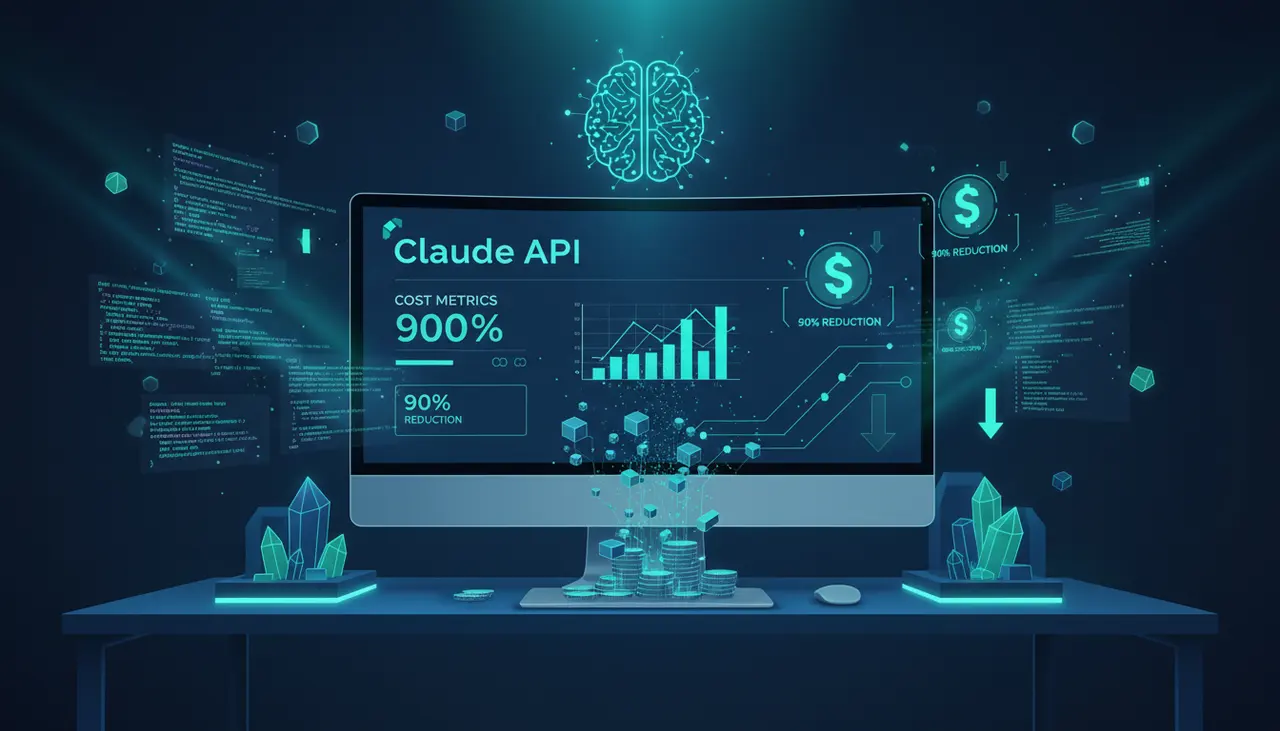
Explains how to utilize Anthropic's Prompt Caching to reduce API bills when using tools like Cline or Continue.dev. Details the mechanics of context window reloading and how to structure files to maximize cache hits.