Beyond Autocomplete: How AI Tool Interfaces Are Diverging in 2026
Ghost-text completion, composer panels, and autonomous agents now coexist inside the same editor. Choosing the wrong interface for a given task wastes more time than any of them saves.
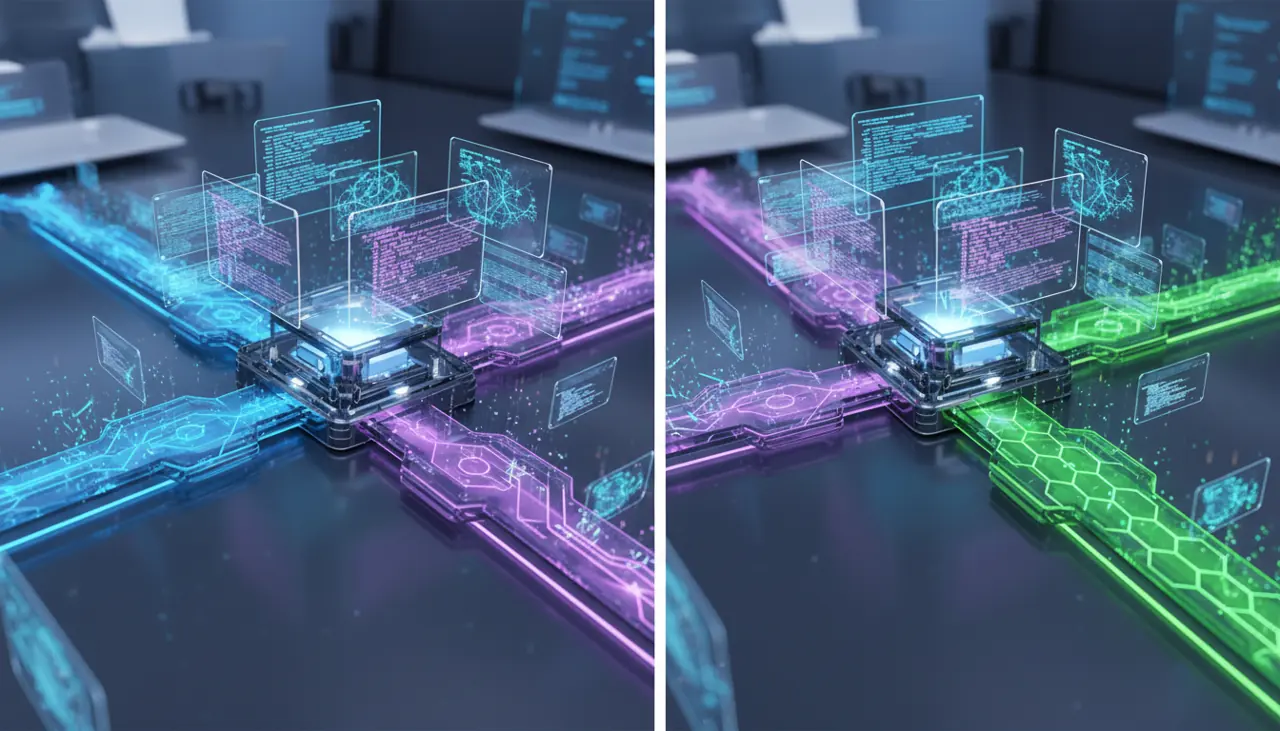
There is no longer a single "AI coding tool" category. By 2026, the market has split into at least three distinct interaction models: inline ghost-text completion, conversational chat/agent panels inside the IDE, and autonomous background agents that work from tickets or CLI prompts with minimal supervision. Choosing the wrong model for a task wastes more time than the tool ever saves.
Three interfaces, three different jobs
The industry spent 2021 through 2023 converging on one interface: gray ghost text that predicts your next few lines. That model, popularized by GitHub Copilot, is still the baseline, but it is no longer the whole product. Three paradigms now coexist, often inside the same editor:
Inline completion still matters for line-by-line and small-block prediction. It is fast (typically under 300ms round trip so it does not break flow) and cheap to run at scale, which is why it remains the free or entry-tier feature across Copilot, Cursor's Tab, and Google's Gemini Code Assist.
Chat and "composer" panels handle multi-turn reasoning: explain this stack trace, refactor this function, write tests for this module. You stay in the loop turn by turn, approving or editing each diff. This is where Cursor's Agent mode, Copilot Chat, and Windsurf's Cascade live.
Autonomous or background agents take a task description, a repo, and a permission scope, then run unattended for minutes to hours, opening a pull request when done. GitHub's Copilot coding agent and Anthropic's Claude Code (both interactive and in headless/CI mode) are the clearest examples of this third category, and it is the one growing fastest in enterprise adoption.
These are not tiers of the same feature. They have different latency budgets, different failure modes, and different review burdens, and treating an autonomous agent like a faster autocomplete is the single most common misuse pattern I see on teams adopting these tools in 2026.
Which interface fits which task?
A rough but reliable rule: match the blast radius of the change to the amount of human oversight in the loop.
- Renaming a variable, filling in an obvious loop body, writing a getter: inline completion. Anything more supervised is wasted friction.
- Understanding unfamiliar code, writing a single function against a spec you can verify by eye, generating a test file for a module you already understand: chat panel, with you reviewing every diff before it lands.
- Multi-file migrations, dependency upgrades, "implement this GitHub issue end to end," bulk lint or API-signature fixes across a monorepo: background agent, but only with a test suite good enough to catch regressions you won't personally review line by line.
The mistake teams make is skipping straight to the third bucket for tasks that belong in the first two, because the agent demo looked impressive. A background agent asked to "fix the flaky test" without a reproducible failure will happily rewrite the test to stop failing rather than fix the underlying race condition. I have seen this exact failure in Claude Code and in Copilot's coding agent both; it is a property of optimizing for "tests pass," not a bug in one vendor's model.
Do autonomous agents actually save time, or just move the work?
They save typing time and shift the remaining work to review time, and that shift is not free. A PR opened by an autonomous agent still needs a human to verify intent, not just syntax: did it solve the actual problem, did it touch files outside its scope, did it quietly delete a test assertion to make a suite go green.
In practice, reviewing an agent-authored 400-line diff across eight files takes longer than reviewing a human's diff of the same size, because you cannot assume shared context or good faith about edge cases the way you can with a teammate. Anthropic's own guidance on agentic coding explicitly recommends giving agents narrow, verifiable tasks and checking work incrementally rather than dispatching large, vague goals, which tells you something about how the vendor expects failure modes to show up in practice (Anthropic's Claude Code documentation).
The net time saved is real for well-scoped, mechanical work: dependency bumps, boilerplate CRUD endpoints, test scaffolding, converting a REST client to match a new OpenAPI spec. It goes negative for ambiguous, judgment-heavy work where the cost of catching a subtle wrong decision late exceeds the cost of just writing it yourself.
What breaks when you hand an agent too much context?
Context window size is not the constraint people assume it is. Current-generation models offer large windows (Claude's models support up to 200,000 tokens in general availability, documented directly in Anthropic's model docs), which is enough to hold a large service's source tree. The failure mode is not running out of room, it is dilution: an agent given fifty files of "relevant" context often anchors on the wrong one, or blends conventions from an old module into new code that should follow a newer pattern.
The fix that actually works in production is aggressive scoping, not bigger context windows:
1# .cursor/rules/backend.mdc (example scoping rule)2---3description: Backend service conventions4globs: ["services/billing/**/*.ts"]5alwaysApply: false6---7Use the Result<T, E> pattern from `services/billing/result.ts` for all8new functions. Do not introduce try/catch for expected error paths.9Match the repository style in services/billing/orders.ts, not10services/legacy/*.Cursor's rules files (documented here) and Claude Code's CLAUDE.md project memory files serve the same purpose: they narrow the agent's frame of reference to the part of the codebase that actually matters for the current task, instead of relying on retrieval to guess correctly. Teams that skip this step and just point an agent at a large monorepo see noticeably more style drift and more "helpful" unrelated edits, because the model is filling gaps in project convention with its training-data defaults.
A concrete multi-file refactor workflow
Here is a workflow that has held up on real production migrations, moving a Node service from a callback-based logger to a structured one across roughly sixty files:
- Write the target pattern once by hand in one file, so the agent has ground truth rather than a description.
- Give the agent a narrow, checkable task: "Apply the pattern in logger-example.ts to every file matching src/**/*.ts that imports oldLogger. Do not modify files that don't import it. Run npm run lint and npm test after each batch of 10 files and stop if either fails."
- Run it in an interruptible mode (Claude Code's interactive terminal session or Cursor's Agent mode with checkpoints) rather than a fully headless background run, at least for the first pass on an unfamiliar codebase.
- Review diffs in batches, not as one giant PR. A 60-file diff reviewed as a single unit hides the one file where the agent silently changed log level semantics.
For CI-triggered or ticket-triggered work where nobody is watching in real time, GitHub's Copilot coding agent runs in an isolated GitHub Actions environment and opens a draft PR, which is the right shape for background use but means you only find out about scope creep after the fact, from the diff (GitHub's documentation on the coding agent). That isolation is a feature for safety and a cost for feedback speed; there is no way to have both.
When autonomous agents are the wrong tool
Three situations where I would deliberately avoid an autonomous agent, even though the interface makes it tempting:
Security-sensitive code paths. Authentication, payment handling, anything touching PII. Not because the model writes obviously bad code, but because subtle logic errors here have asymmetric downside, and an agent's confidence signal (it reports success once tests pass) is not a security review.
Codebases without meaningful test coverage. An agent's self-correction loop depends entirely on the feedback it gets. No tests means no correction signal, which means you are trusting the model's judgment unchecked, on exactly the codebases where judgment matters most because nobody else is catching mistakes either.
One-off exploratory work you don't yet understand yourself. If you can't specify what "done" looks like, an agent can't either. Chat mode, where you steer turn by turn and build your own understanding alongside the model's output, is a better fit than delegating a task you haven't scoped.
Choosing a lane in practice
Pick your default interface per task type before you open the editor, not after you're already frustrated with the wrong tool. Inline completion for anything under a few lines that you'd write yourself in under thirty seconds anyway. Chat panel for anything where you need to stay in the reasoning loop and want to see intermediate steps. Background agent only for tasks you can specify precisely, verify automatically, and review in isolated batches.
The vendors are not converging on one interface because the underlying tasks genuinely differ in how much autonomy they tolerate. A team that standardizes on "agent mode for everything" will ship faster in the short term and spend the difference on review fatigue and regression hunts within a quarter. A team that treats these three interfaces as separate tools, chosen deliberately, gets the speed without inheriting most of the risk.
Related Articles
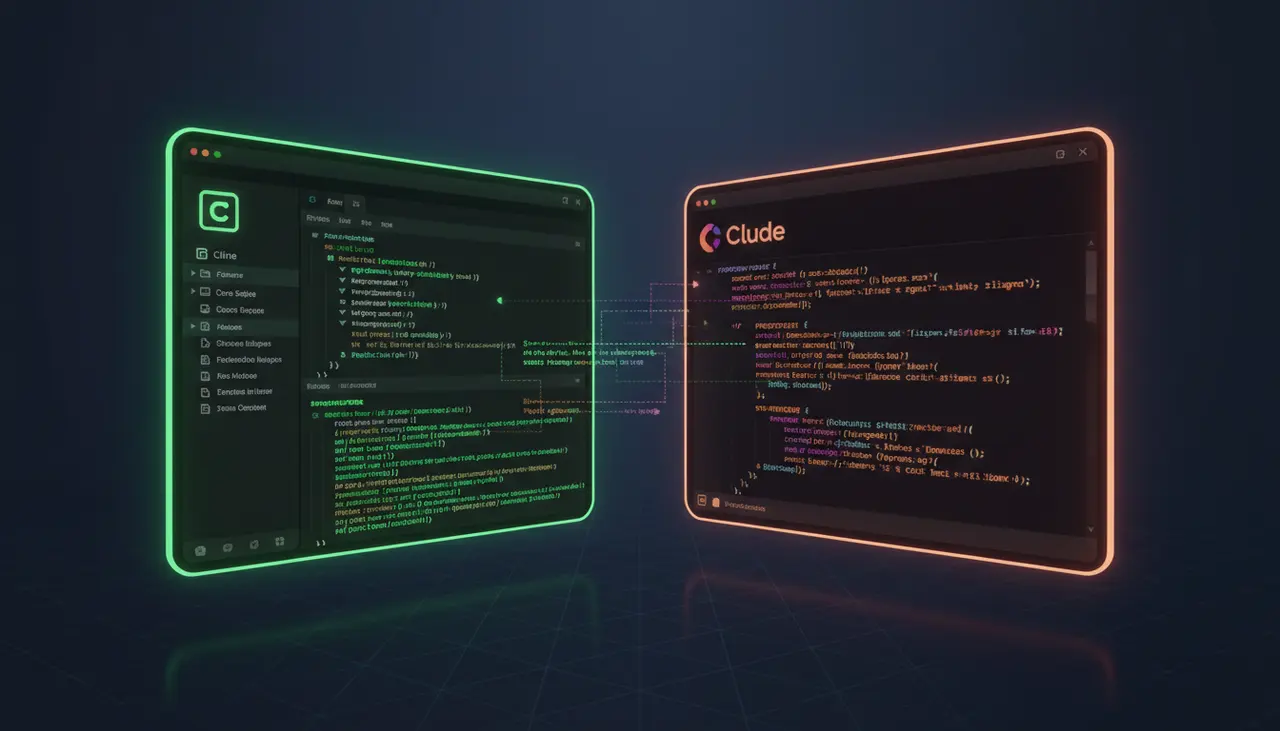
How does Cline compare to Claude Code for terminal and IDE automation?
Cline is an open-source client where you bring your own API key; Claude Code is Anthropic's own terminal agent tied to a subscription. The real split is cost and control versus polish.
API-Based AI Coding: When to Use Continue.dev, Cody, and Codeium Outside the Browser
Browser chat is fine for one-off questions, but the moment you're pasting code back and forth you've already lost the productivity gain. Here's when each API-based tool actually wins.
Windsurf for VS Code Refugees: A Practical Migration Guide
Windsurf is a VS Code fork, so your keybindings and settings.json survive the move intact. The real adjustment is rewiring habits around Cascade, its agentic layer, not the editor shell.