How does Cline compare to Claude Code for terminal and IDE automation?
Cline is an open-source client where you bring your own API key; Claude Code is Anthropic's own terminal agent tied to a subscription. The real split is cost and control versus polish.
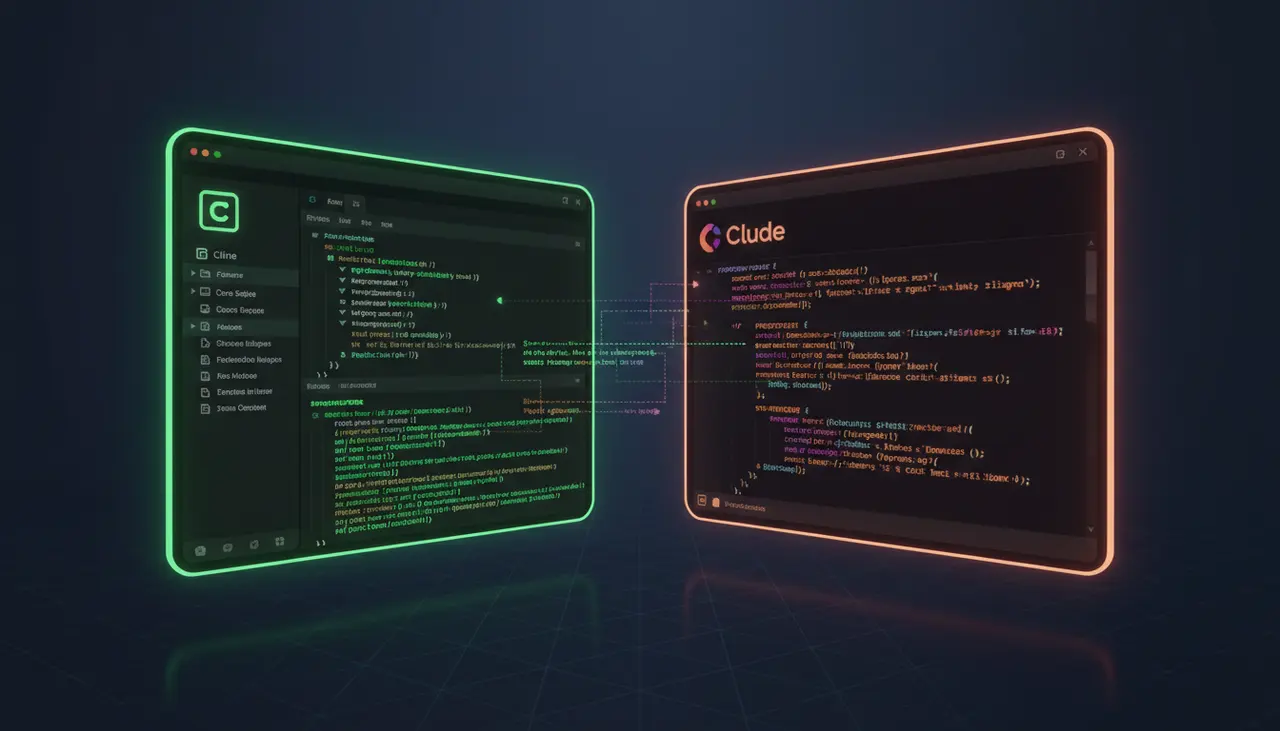
How does Cline compare to Claude Code for terminal and IDE automation?
Cline and Claude Code both let an LLM read your repo, edit files, and run shell commands, but they sit at different layers of the stack. Cline is an open-source extension (VS Code, JetBrains, plus its own CLI now) that talks to whichever model API you configure, billed at raw token rates. Claude Code is Anthropic's own terminal-first agent, tied to a Claude subscription or Console API key, and now also ships IDE and desktop surfaces. The practical split is cost model and control versus polish and first-party integration.
What Cline actually is under the hood
Cline started as a VS Code extension and has since grown into a small family of tools: the extension itself, a standalone CLI (npm i -g cline), a JetBrains plugin, and a "Kanban" web board for running multiple agents in parallel worktrees. All of them run on the same open-source agent core, which you can inspect directly on the Cline GitHub repository.
The important architectural fact is that Cline is a client, not a model provider. You bring your own API key, Anthropic, OpenAI, OpenRouter, a local Ollama endpoint, whatever the extension supports that week. Cline builds the prompt, manages the tool-calling loop (read file, write file, run command, browse the web), and shows you a diff with an approve or reject button before anything touches disk. That human-in-the-loop gate is the default behavior, and it is the main reason a lot of engineers trust Cline for production repos: it will not silently rm -rf anything without you clicking accept first, unless you have explicitly turned on auto-approve for that action type.
Because Cline is just orchestrating API calls, your cost is whatever your provider charges for tokens in and out. If you point it at Anthropic's API directly, you get Anthropic's standard token pricing plus the benefit of prompt caching on the system prompt and repeated context, which matters a lot for agentic loops that resend the same file contents turn after turn.
What Claude Code actually is under the hood
Claude Code is Anthropic's own agent, and it is explicitly designed to live "in your terminal, IDE, desktop app, and browser," per Anthropic's Claude Code overview. You install it with a one-line curl or PowerShell script, not through a marketplace, and it runs as a CLI process in your shell that has direct access to the working directory you launched it from.
The core difference from Cline is billing and integration depth. Claude Code is most commonly used under a Claude subscription plan (Pro, Max, or a team/enterprise plan) rather than pay-per-token API billing, though it also supports direct Anthropic Console API keys and, per the docs, third-party providers through the terminal CLI and VS Code integration. Because Anthropic controls both the model and the agent harness, Claude Code gets first access to new capabilities: extended thinking modes, the latest context window sizes, and tighter integration with things like git worktrees and IDE diagnostics, before those land in any third-party tool.
The cost comparison, concretely
This is where the two tools genuinely diverge, and it is worth being specific rather than hand-wavy.
Cline on the Anthropic API bills you per token at standard API rates, and Anthropic's prompt caching can cut costs meaningfully on repeated large contexts (a persistent system prompt, a big file you keep re-reading across turns) because cached input tokens are billed at a reduced rate compared to fresh input tokens. In an agentic loop where Cline re-sends the file tree, open file contents, and tool definitions on every turn, caching is not a nice-to-have, it is the difference between a session costing a few cents and a session costing several dollars. The catch: cache hits require the prefix of your prompt to stay identical between calls, and if Cline's context-window management prunes or reorders content (which it does once you approach the model's context limit), you lose the cache and pay full price on the next call.
Claude Code under a subscription plan shifts the cost model entirely. Instead of metering every token, you pay a flat monthly fee and consume usage against plan limits. For a developer running long agentic sessions all day, every day, this can be dramatically cheaper than metered API billing, because the marginal cost of one more long session is zero once you're under the plan cap, whereas on pay-per-token billing every extra turn shows up on the invoice. The trade-off is that subscription plans have their own usage ceilings and reset windows, so a developer running many parallel long sessions can hit rate or usage limits that a raw API-key setup with a large budget would not hit in the same way. If you also use the Console API key path with Claude Code, you're back to token-metered billing, and the same prompt-caching economics that apply to Cline apply there too, since it is the same underlying Anthropic infrastructure.
The practical rule I use: if I'm doing occasional, bursty agent work across multiple providers and want to compare models, Cline plus a metered API key gives me the flexibility to switch between Claude, GPT-series, or a local model without re-architecting my workflow. If I'm doing Claude-only work for hours a day, every day, a Claude subscription running Claude Code is almost always the cheaper and less cognitively taxing option, because I stop thinking about per-call cost entirely.
Context handling: extension sandbox vs terminal process
Cline runs inside the VS Code extension host, which means it sees whatever VS Code sees: open editors, the workspace file tree, diagnostics from installed linters, and language server hover information. That gives it strong "IDE awareness," it can react to a red squiggly underline from your TypeScript server the instant it appears, because that signal is already in the editor's diagnostics API. The GitHub project page describes this directly: Cline "monitors linter and compiler errors as it works, fixing issues like missing imports" as part of its normal edit loop, per the Cline repository README.
Claude Code, running as a terminal process, does not have that same live diagnostics feed unless it is invoked through an IDE extension surface. Its context comes from reading files directly off disk, running commands like grep or your test runner, and parsing their output as text. That is a more "manual" form of context gathering, but it is also more transparent and portable: the same Claude Code invocation works identically whether you are in VS Code's integrated terminal, a plain tmux session on a remote box, or a CI runner, because it never depended on an editor's internal APIs in the first place.
This has a real consequence for large-context work. Both tools eventually have to manage a finite context window, and both will summarize, truncate, or drop older turns once you push a long session. Cline's context window handling is visible in the extension UI (you'll see a running token count and can manually trigger a "condense" of the conversation). Claude Code's long-running terminal sessions rely more on the model's own extended context and Anthropic's session management. In practice, I've found IDE-based tools like Cline more prone to silently losing earlier context when you've had a long multi-file refactor conversation open for an hour, since the extension is more aggressive about trimming to keep the UI responsive. If you notice the agent "forgetting" a decision from twenty minutes ago, that is usually context pruning, not the model getting worse.
File system execution: approval gates vs terminal trust
Cline defaults to asking permission before every file write and before every shell command, rendering a diff you approve line by line. You can loosen this with auto-approve rules for specific tool types (say, auto-approve reads and lints but require approval on writes and installs), which is the sane middle ground for most teams. This approval friction is a genuine slowdown on repetitive tasks, but it is also the safety net that makes Cline usable on a repo you actually care about.
Claude Code, run from the terminal, operates with the trust level of whatever shell session you launched it in. It can run arbitrary commands with the same permissions as your user account, which is powerful for tasks like "run the full test suite, find the failure, patch it, rerun" in one continuous loop without a human clicking approve on each step, but it also means a bad instruction or a model hallucination has direct blast radius. Anthropic's own documentation frames Claude Code around exactly this kind of autonomous loop: reading the codebase, editing files, and running commands as a single continuous agentic session. If you're running it against a production database credential sitting in your shell's environment variables, that is on you, not the tool, to sandbox properly (a disposable container or a scoped service account, not your daily-driver shell).
When to actually reach for the terminal-native approach
Pick Claude Code over Cline when:
- You want a single Claude subscription to cover unlimited-feeling daily usage instead of metering every token, and your workload is genuinely Claude-only.
- You're automating something headless: a CI pipeline, a scheduled job, a remote server task, anything where there's no VS Code window in the loop at all.
- You want the newest Anthropic-specific features first (extended thinking controls, the latest context window bumps) without waiting for a third-party extension to add support.
- You're comfortable running commands with full shell trust and want the fastest possible edit-run-fix loop without approval clicks interrupting it.
Pick Cline instead when:
- You want to switch models freely, run Claude for one task and a cheaper or local model for another, without changing your workflow.
- You want the safety net of per-change approval on a codebase where a bad autonomous edit is expensive to undo.
- You're already living in VS Code or a JetBrains IDE and want the agent to see the same diagnostics, open files, and linter state you're looking at.
- You want to inspect or modify the agent's own source, since Cline is fully open source and you can read exactly what tool calls it's making and why.
The two aren't mutually exclusive in a real team. I've seen setups where Cline is the default for interactive, careful refactors during the day, and Claude Code runs headless overnight against a test-fixing backlog in a sandboxed container, kicked off by a cron job with no human watching the diffs at all. Match the trust level and billing model to the job, not the other way around.
Related Articles

Cursor vs the Field: When AI-Native IDEs Beat Traditional Editors with AI Plugins
The fork-vs-plugin debate online misses the real difference: context management. Here's what separates Cursor's own indexing pipeline from a plugin-based assistant like Copilot.

API-Based AI Coding: When to Use Continue.dev, Cody, and Codeium Outside the Browser
Browser chat is fine for one-off questions, but the moment you're pasting code back and forth you've already lost the productivity gain. Here's when each API-based tool actually wins.
Beyond Autocomplete: How AI Tool Interfaces Are Diverging in 2026
Ghost-text completion, composer panels, and autonomous agents now coexist inside the same editor. Choosing the wrong interface for a given task wastes more time than any of them saves.