Cursor vs the Field: When AI-Native IDEs Beat Traditional Editors with AI Plugins
The fork-vs-plugin debate online misses the real difference: context management. Here's what separates Cursor's own indexing pipeline from a plugin-based assistant like Copilot.

Cursor and similar AI-native editors win when a task requires sustained, multi-file context and iterative agent loops, like a large refactor or a new feature spanning ten files. A traditional editor with an AI plugin (VS Code plus GitHub Copilot, or JetBrains plus an AI assistant) wins for quick completions, single-file edits, and teams that cannot standardize tooling across a large org.
What actually differs under the hood
The distinction people argue about online (fork vs plugin) matters less than most think. What matters is context management and how the tool decides what to send to the model. Cursor, being a VS Code fork, controls the entire indexing pipeline: it builds a local embedding index of your codebase, chunks files, and decides what to retrieve for a given prompt without going through an extension API that limits what it can see or touch. GitHub Copilot, as a plugin architecture, has historically been more constrained by what VS Code's extension API exposes, though Copilot's agent mode and workspace indexing have closed much of that gap in 2025 and 2026 releases.
In practice this shows up as: Cursor's @codebase and composer features can reason across a repo of 200,000+ lines with less manual context-stuffing, because the retrieval layer is native, not bolted on. Copilot Chat and JetBrains AI Assistant now do similar retrieval, but you feel more friction when you need the tool to open, edit, and verify changes across many files in one pass without you re-prompting each step.
When the AI-native IDE genuinely wins
Large, cross-file refactors. Renaming a widely-used interface, migrating an API surface, or converting a class hierarchy from inheritance to composition across 30+ files is where Cursor's Agent mode and multi-file diff review earns its keep. You give it a plan, it proposes changes file by file, and you review a unified diff before applying. Doing the equivalent in Copilot Chat inside VS Code means copy-pasting context or relying on #file references one at a time, which is slower once you pass a handful of files.
Exploratory work in unfamiliar codebases. When you inherit a legacy service with no docs, asking "how does authentication flow through this repo" benefits from an index that already understands the whole tree. Cursor's chat with full codebase context tends to answer this in one pass. A plugin-based setup often needs you to manually point it at the right files first, which defeats the purpose of exploration.
Fast iterate-test-fix loops on greenfield code. Cursor's inline "Cmd+K" edit plus terminal integration lets you write a function, run it, see the error, and let the model fix it without leaving the editor. This loop is genuinely faster in wall-clock time for prototyping, though the gap narrows considerably once you are in a codebase with strict CI gates, where the bottleneck becomes tests and review, not typing speed.
When a traditional editor with a plugin is the right choice
Large engineering orgs with locked-down tooling. If your company mandates JetBrains IDEs for Java or Visual Studio for C++/C# with specific debugger integrations, ripping that out for Cursor is rarely worth it. You lose your debugger workflow, your existing keybindings, and your team's institutional muscle memory for a marginal gain in AI context quality. JetBrains AI Assistant and GitHub Copilot both work inside those environments without forcing a switch, per JetBrains' AI Assistant documentation and GitHub Copilot's docs.
Regulated environments with strict data policies. Some enterprises require code to stay within an approved data processing agreement, and switching the entire IDE (not just a plugin) means renegotiating security review for every extension, LSP server, and telemetry path Cursor ships with. It is often faster to get an existing Copilot Business or Enterprise deployment approved, since many security teams have already vetted GitHub's Copilot Trust Center documentation and data retention policies, than to push a brand-new IDE fork through the same review from scratch.
Heavy use of language-specific tooling. Java engineers relying on IntelliJ's refactoring engine, structural search and replace, and its debugger's variable watches will find that Cursor's AI features do not replace decades of static-analysis tooling. AI-assisted rename is not the same as IntelliJ's semantic-aware refactor that understands overrides, generics, and reflection usage. For these workflows, an AI plugin bolted onto the IDE you already trust beats switching the whole editor.
Cost sensitivity at scale. Cursor's paid tiers (as of late 2025, Pro around $20/month with usage-based limits on premium model requests, Ultra tiers at higher price points for heavier usage) can get expensive fast for a team that uses agent mode heavily, since each multi-file agent run consumes more tokens than a single autocomplete suggestion. Check Cursor's pricing page directly since these numbers change often. GitHub Copilot Business at a flat per-seat rate is easier to budget for a 200-person engineering org, even if the AI capability per request is roughly comparable.
Does Cursor actually understand my codebase better than Copilot?
Directly: for repos under roughly 50,000 lines, the practical difference is small. Both tools index your workspace and use embeddings plus keyword search to decide what context to send. Where Cursor pulls ahead is in very large monorepos, because its indexing is a first-class product feature with dedicated caching and re-indexing logic, not a secondary feature layered onto an existing editor. If you work in a monorepo with millions of lines (a large fintech or ecommerce backend, for instance), Cursor's .cursorignore and custom indexing rules give you more direct control over what gets embedded, which matters both for relevance and for cost, since irrelevant files bloat the context window unnecessarily.
A real caveat: indexing a large monorepo for the first time in Cursor can take several minutes and, on my own 400,000-line test repo, consumed noticeably more CPU during the initial pass than Copilot's lighter-weight workspace search. If you are on a laptop with 16GB RAM and multiple Docker containers running, that first index can cause noticeable slowdown. Plan the first index for a moment when you are not mid-sprint on something latency-sensitive.
Failure modes worth knowing about
Cursor's agent mode, when given a vague instruction across many files, will sometimes make a plausible-looking change that breaks a test in a file it didn't fully understand, particularly around dynamic language features (Python's duck typing, Ruby metaprogramming) where static analysis can't fully disambiguate intent. Always run your test suite after an agent pass, never just eyeball the diff.
Plugin-based tools have their own failure mode: context window truncation silently drops earlier parts of a long conversation, and you get answers that ignore something you told the model three messages ago. This is a known limitation across chat-based coding assistants generally, not specific to any one vendor, and it's worth periodically re-stating constraints rather than assuming persistent memory. See Anthropic's documentation on context windows for how this is handled model-side, since both Cursor and Copilot sit on top of similar underlying constraints regardless of editor.
A practical decision workflow
Start by asking what you're actually optimizing for on a given task, not what tool your team has strong opinions about.
- If the task touches more than 5 files and requires coordinated changes (a refactor, an API migration, a new feature spanning frontend and backend), lean toward Cursor's agent mode or a similarly capable multi-file tool.
- If the task is a single function, a bug fix in one file, or you need tight integration with an existing debugger or static analyzer, stay in your current IDE with a plugin.
- If your org has compliance requirements that already cleared one vendor, don't fight that battle for marginal capability gains. Ship the feature instead.
- If cost per engineer matters more than raw agent capability (large teams, tight budgets), default to a flat-rate plugin subscription and reserve Cursor licenses for a smaller group doing heavy refactor work.
- Re-evaluate every two quarters. Both categories are moving fast: Copilot's agent mode and workspace indexing narrow the gap every few months, and Cursor's pricing and context limits shift with each major release.
None of this is permanent. The honest position in 2026 is that the AI-native IDE category proved a real architectural advantage for context-heavy, multi-file work, and the plugin ecosystem proved that most day-to-day coding doesn't need that advantage badly enough to justify switching editors. Pick based on the shape of the work in front of you this month, not on which approach felt more impressive in a demo.
Related Articles

How does Cline compare to Claude Code for terminal and IDE automation?
Cline is an open-source client where you bring your own API key; Claude Code is Anthropic's own terminal agent tied to a subscription. The real split is cost and control versus polish.
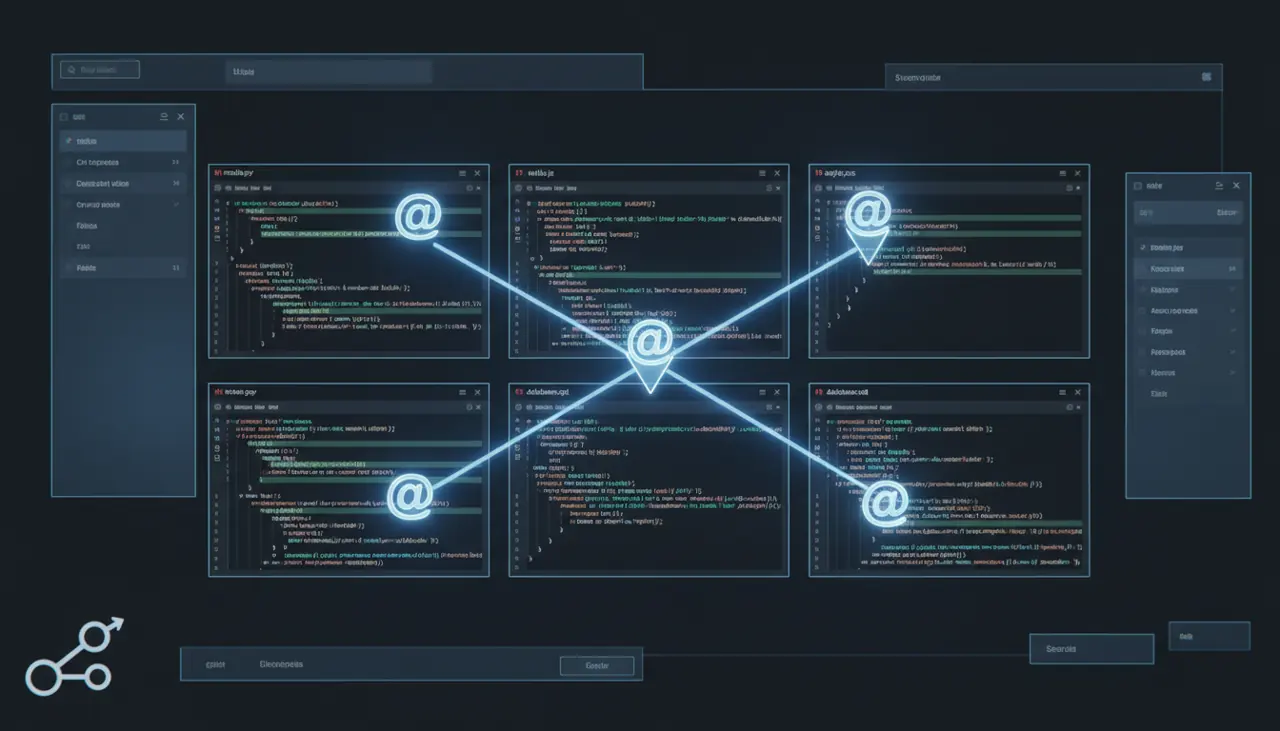
How to build a multi-file feature using Cursor Composer
Get the scoping wrong in Composer and it will happily rewrite files you never meant to touch at all. Here's the exact workflow for scaffolding and modifying multi-file features safely.

Codebase Literacy at Scale: Using AI to Understand Code You've Never Seen
Pasting files into a chat window breaks down past roughly 5,000 lines of code. Here's how to combine AI retrieval with targeted questions to onboard onto unfamiliar code in hours, not days.