Debugging with AI: A Structured Problem-Solving Framework for Production Issues
Pasting a stack trace and asking 'what's wrong' gets you the statistically likely cause, not the actual one in your system. This framework treats the model's first answer as a hypothesis, not a diagnosis.

Debugging with AI works best as a disciplined loop: gather evidence first, let the model generate ranked hypotheses instead of a single fix, verify each hypothesis against logs or a reproduction before touching code, and keep a human gate on anything that ships to production. Skip the evidence step and you get confident, wrong answers fast.
Why AI debugging fails without structure
Large language models are pattern matchers trained on public code and documentation. When you paste a stack trace and ask "what's wrong," the model pulls the most statistically likely cause for that error signature, not the actual cause in your system. This works fine for a NullPointerException in a tutorial-style Spring Boot app. It works badly for a race condition that only appears under load in a service with custom retry logic, three caching layers, and a schema migration that ran two hours ago.
The failure mode I see most often on teams adopting Cursor, Claude Code, or GitHub Copilot Chat for production debugging is treating the model's first answer as a diagnosis rather than a hypothesis. The model will happily suggest adding a null check, increasing a timeout, or wrapping something in a try/catch. Sometimes that's correct. Often it just suppresses the symptom and the same class of incident recurs three weeks later with a different signature.
A structured framework fixes this by forcing evidence collection before generation, and forcing verification after generation. The framework itself is boring on purpose: boring is what makes it repeatable at 3 a.m. during an incident.
Step 1: Compress the evidence before you open a chat window
Before involving any model, assemble a package that contains:
- The exact error message and stack trace, not a paraphrase
- Relevant log lines from 5 minutes before the error to 1 minute after
- The deploy or config change history for the last 24 hours
- A minimal reproduction if you have one, or the conditions under which it reproduces (traffic pattern, specific tenant, specific input shape)
This matters because context window limits are real even on models with large windows. Claude's Sonnet and Opus models support context windows up to 200,000 tokens in the standard API tier, with some access to a 1 million token beta context for Sonnet on certain plans, according to Anthropic's documentation. GPT-5-class models on the OpenAI API similarly support very large context, per OpenAI's platform docs. But "supports" is not "uses well." Past roughly 30,000 to 50,000 tokens of noisy log dumps, model attention degrades and it starts anchoring on whatever error text appears most frequently rather than what's causally relevant. Curate the input. Don't paste 10,000 lines of access logs and hope.
How do you get an AI to generate real hypotheses instead of a guess?
Ask for multiple ranked hypotheses with explicit falsification criteria, not a single answer. A prompt structure that works consistently:
1Here is a production error with logs and recent deploy history attached.23Generate 3 to 5 distinct hypotheses for the root cause, ranked by4likelihood. For each hypothesis:51. State the specific mechanism (not "a bug in the code")62. State what log line, metric, or test result would CONFIRM it73. State what would RULE IT OUT84. Estimate blast radius if this hypothesis is correct910Do not propose a fix yet.This changes the model's output from "here's what I'd try" to something you can actually falsify against your monitoring stack. It also surfaces disagreement: if the model's five hypotheses point at three unrelated subsystems, that's a signal your evidence package is incomplete, not that the model is confused. Go back and get more logs before proceeding.
Step 2: Verify against evidence, not intuition
Take each hypothesis and check it against your actual observability data. This is the step teams skip under time pressure, and it's the step that separates a 20-minute fix from a fix that reopens the incident.
If the model hypothesizes "the retry logic is causing duplicate writes under contention," go pull the actual write counts from your metrics dashboard for the affected time window. If they don't show duplication, that hypothesis is dead regardless of how plausible the reasoning sounded. AI-generated explanations are persuasive by design (they're fluent, structured, and confident) which makes them dangerous to accept without an independent check.
For issues you can reproduce locally, this is also where an agentic coding tool earns its cost. Tools like Claude Code or Cursor's agent mode can run your test suite, add temporary logging, and re-run a reproduction script in a loop, which is faster than a human doing the same cycle manually. But agent loops burn tokens and wall-clock time fast. A debugging session that runs 15 to 20 tool calls (read file, run test, edit, re-run) against Opus-tier pricing can cost several dollars and take 5 to 10 minutes per iteration. For a P1 incident where every minute matters, that latency is sometimes worse than a senior engineer just reading the code, especially if the codebase is small enough to hold in one person's head.
When AI debugging is the wrong tool
Three situations where I explicitly tell engineers on my team not to reach for an AI assistant first:
Timing-sensitive concurrency bugs. Race conditions, deadlocks, and ordering bugs depend on exact timing that doesn't show up in a pasted log excerpt. Models will generate plausible-sounding theories about lock ordering that sound authoritative and are frequently wrong, because they can't see the actual interleaving. Use a proper concurrency debugger or add explicit sequence logging first, then bring the sequence data to the model.
Anything requiring live system state. If the fix depends on inspecting current database row state, current queue depth, or current memory usage in a running process, no amount of pasted context substitutes for actually querying the live system. AI can help you write the query. It cannot run it against your production database on its own (and you don't want it to, for access control reasons).
Incidents where the cost of a wrong fix is asymmetric. If a bad hypothesis leads to a rollback of the wrong service, or a hotfix that masks a data corruption bug long enough for it to spread, the expected value of "move fast with AI assistance" turns negative. Slow down, get a second human, and treat the AI output as one input among several rather than the plan.
Building the loop into your incident process
The teams that get real value from AI-assisted debugging aren't the ones using it as a chatbot for one-off questions. They've built it into the incident runbook as a specific step with specific inputs and outputs:
- On-call engineer pulls the evidence package (logs, traces, deploy diff) using a standard script, not manual copy-paste
- Evidence goes into a debugging session (Claude Code, Cursor, or a custom internal tool wired to the observability stack) with the ranked-hypothesis prompt
- Each hypothesis gets checked against a specific dashboard, log query, or reproduction, assigned a status of confirmed, ruled out, or inconclusive
- Only confirmed hypotheses proceed to a fix, and the fix goes through the normal review path, no exceptions for "the AI already verified this"
- Postmortem includes which hypotheses were wrong and why, which slowly builds a library of failure modes specific to your system that you can feed back into future prompts
That last step compounds over time in a way a single debugging session never does. After six months, you have a document describing your system's actual failure patterns (not generic ones from training data) that you can paste into future debugging sessions as grounding context. That document is worth more than any prompt template, including the one in this article.
Model choice matters less than most teams assume once the process is solid. GitHub Copilot's chat, Cursor's agent, and Claude Code all sit on comparable underlying models today, and the differences that matter in practice are tooling integration (does it read your logs directly, can it run your test suite, does it respect your repo's lint rules) documented in each vendor's own setup guides, such as GitHub Copilot's documentation and Cursor's documentation. Pick based on how well it plugs into your existing observability and CI, not on marginal differences in reasoning quality.
Related Articles
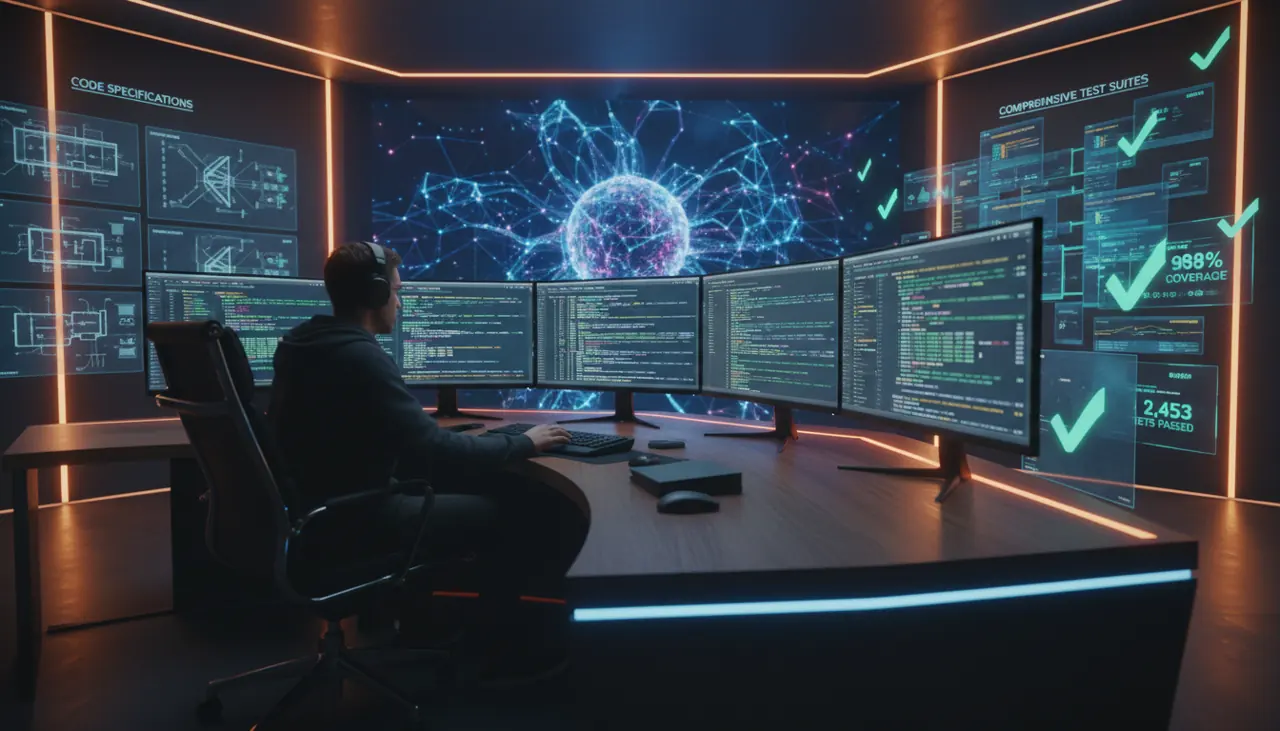
From Spec to Suite: An AI-Powered Test Generation Workflow That Actually Works
AI-generated suites can hit 90% line coverage and still miss the regression that ships two weeks later. Here's the workflow that extracts real requirements from the spec before any code exists.
Legacy Code Modernization with AI: A Practical Step-by-Step Workflow
Asking an LLM to rewrite a legacy monolith produces confident, plausible, wrong code every time. This workflow shows the test-writing phase most teams skip, and why skipping it sinks the project.
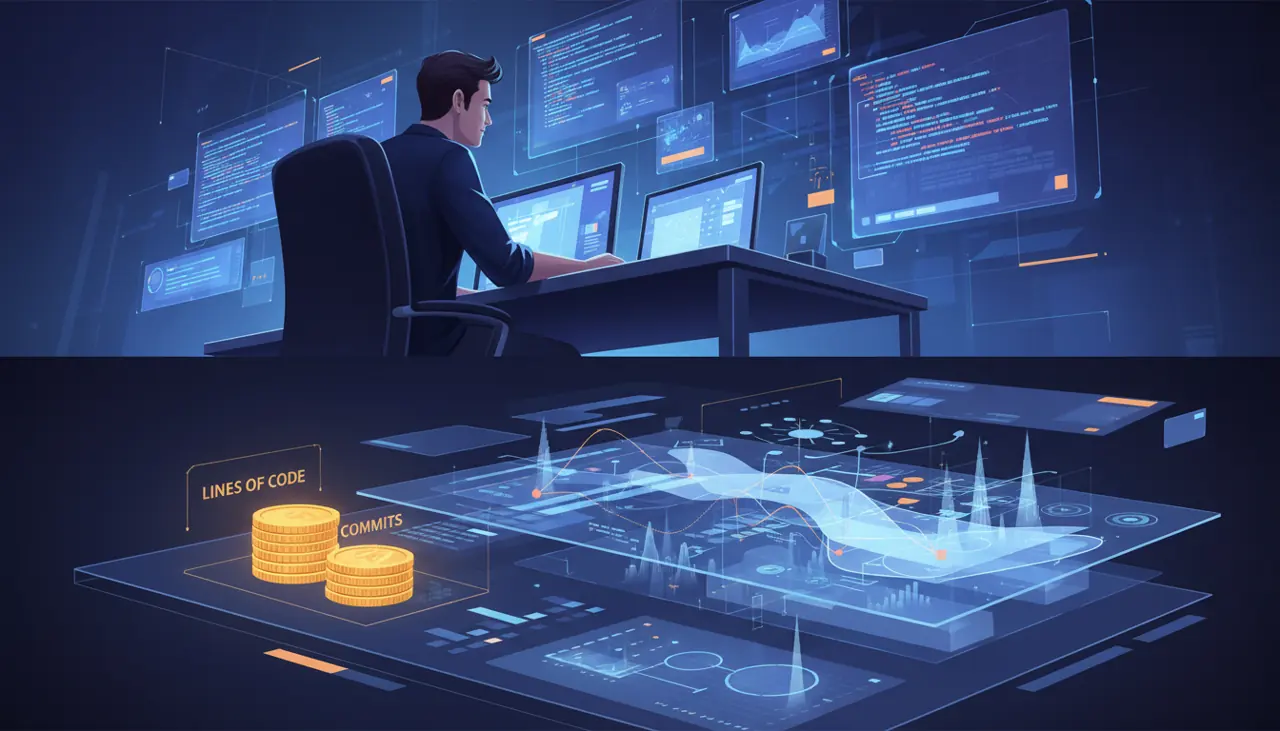
Quantifying AI Coding Impact: Metrics Beyond Lines of Code
A 40% jump in 'AI-authored lines' looks like a win right up until median PR review time doubles. Here's what to measure instead of the vanity metrics vendors default to.